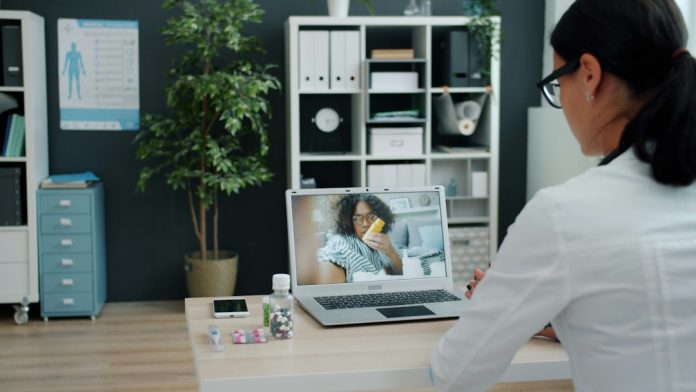
A telehealth appointment can save travel time and make follow-up care easier, but a few minutes of preparation can determine whether the visit is useful or frustrating. The goal is simple: make sure the clinician can hear you, understand your concerns and leave you with a clear next step.
1. Confirm the link, time and visit format
Check the appointment time, time zone and whether the visit uses a web link, app or patient portal. Complete any registration forms in advance and keep the clinic’s phone number nearby in case the connection fails. If you need language assistance, captions or another accessibility support, ask the provider before the visit.
2. Test the device you will actually use
Open the platform on the same phone, tablet or computer you plan to use. Check the camera, microphone, speakers and internet connection. Charge the device or connect it to power. Headphones can improve privacy and reduce echo, especially in a shared home.
3. Choose a private, well-lit space
Sit somewhere quiet where you can speak openly. Place the camera at eye level and make sure light falls on your face rather than coming from behind you. Keep the device stable. If the clinician may need to see a rash, swelling or movement, test the camera angle beforehand.
4. Prepare a short health summary
Write down your main concern, when it started, what makes it better or worse and any recent changes. Have your medication list, allergies, relevant medical history and recent test results available. If you monitor blood pressure, temperature, weight or glucose at home, note the readings and when they were taken.
5. Join early
Sign in about 10 to 15 minutes before the scheduled time. This leaves room to install an update, reset a password or allow camera permissions. Close other apps that use the camera or microphone and pause large downloads that may slow the connection.
6. Keep questions and materials within reach
List the two or three questions you most want answered. Keep your pharmacy details, insurance information and a pen nearby. If a caregiver or family member will join, tell the clinic and make sure everyone understands the privacy expectations.
7. End with a clear follow-up plan
Before the call ends, confirm any medication changes, tests, warning signs and follow-up timing. Ask where written instructions will appear and whom to contact if symptoms change. If the clinician recommends an in-person examination, arrange it promptly.
Telehealth is not appropriate for every problem. Severe symptoms or a possible emergency require immediate local emergency care rather than waiting for a video appointment. Follow the instructions of your own healthcare team, because preparation needs can vary by service and condition.